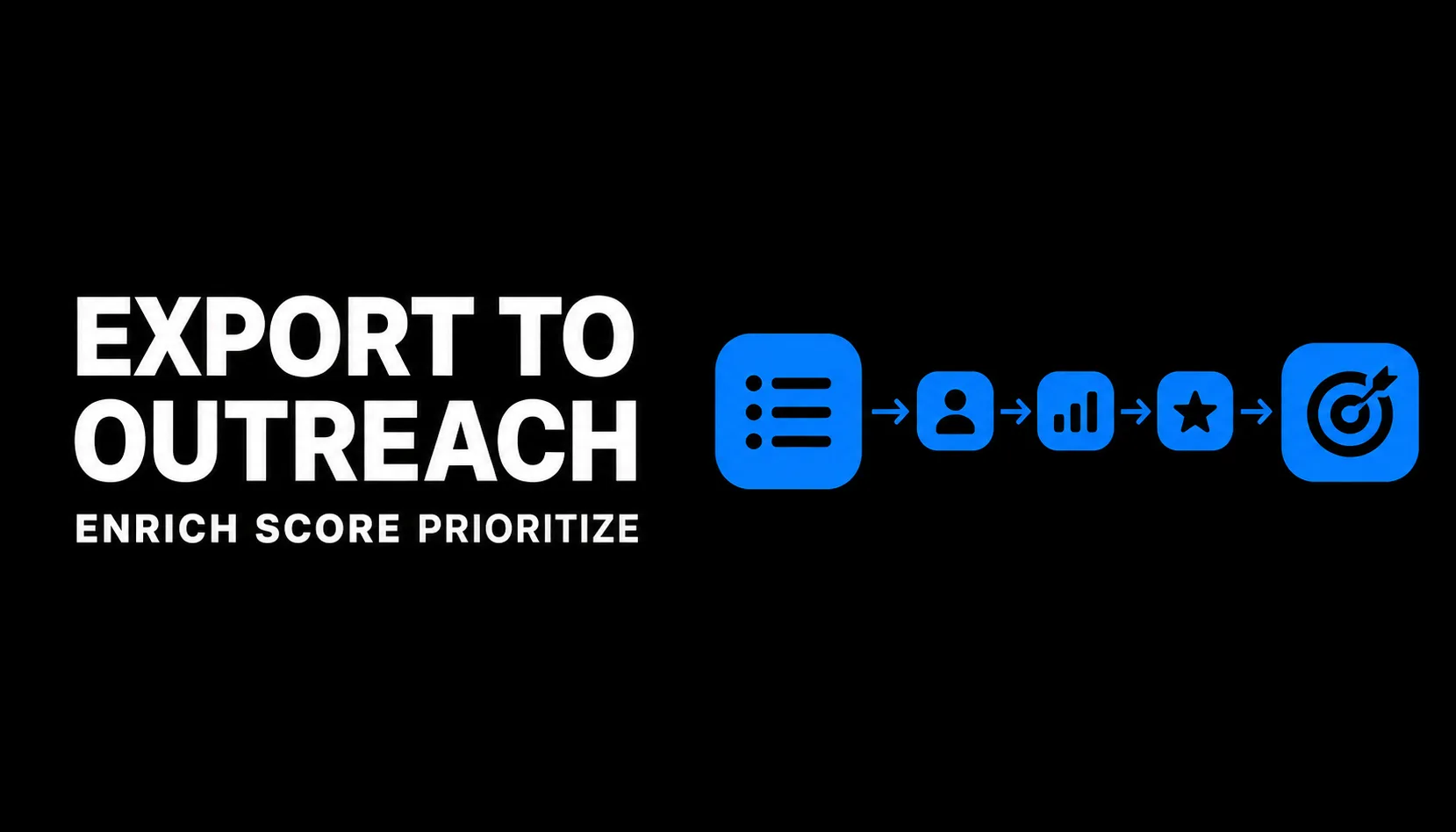
Crunchbase Enrichment Workflow From Export to Outreach
last updated: May 8, 2026
A Crunchbase export is not a pipeline. It is a raw account list that still needs cleaning, enrichment, scoring, ownership, and a clear outreach next step before a founder should spend time on it. This Crunchbase enrichment workflow guide shows how to turn exported companies into a prioritized list your team can work without guessing who to contact, what to say, or which accounts deserve attention first.
TL;DR: Clean the list before you sell from it
Use Crunchbase to find and export a focused account universe, then enrich only the fields required for qualification and outreach. The mistake to avoid is treating every exported company as equal pipeline before you have deduped, scored, and checked whether the account fits your current sales motion.
Use this as an operating workflow, not a research project.
- Start with narrow search and export discipline; if the source list is messy, enrichment can make the mess more expensive.
- Enrich for action: account fit, buying trigger, relevant contact path, CRM owner, and next message angle.
- Run QA before outreach so founders spend less selling time on duplicate, stale, or low-fit accounts.
Use this as an operating workflow, not a research project.
Core Definitions
- Crunchbase export. A downloaded account list from Crunchbase based on search filters such as industry, location, funding, company size, growth signals, or investor activity. If you need the export step first, use the Crunchbase export leads workflow before enrichment.
- Enrichment. The process of adding missing data that makes an account usable for sales, such as website, segment, trigger, relevant buyer role, CRM status, and outreach angle.
- Deduping. Removing duplicate companies, duplicate domains, existing customers, current opportunities, competitors, partners, and accounts already owned by someone in your CRM.
- Account scoring. A simple priority model that ranks accounts by fit, trigger strength, reachability, and strategic value. It should help you decide who gets founder attention first.
- CRM handoff. The point where a cleaned and scored account becomes owned, tracked, and sequenced in your sales system instead of living in a spreadsheet.
- QA check. A final review that catches broken domains, missing contact paths, bad fit, duplicate records, and unclear next actions before outreach starts.
The Export-to-Outreach Workflow
Use this workflow to move from export to outreach without turning lead research into a founder time sink.
1. Define the list purpose before you enrich anything
Write one sentence at the top of the sheet: This list exists to find companies that are likely to need [problem] because [trigger]. If you cannot write that sentence, go back to your search strategy using a Crunchbase search B2B framework and tighten the market logic before exporting more rows.
Good list purposes are specific:
Weak list purposes are too broad:
Good list purposes are specific:
- Series A fintech companies hiring operations leaders that may need workflow automation.
- Recently funded healthcare software companies expanding sales headcount.
- Industrial technology companies in North America with signs of channel expansion.
Weak list purposes are too broad:
- All SaaS companies.
- Companies that raised funding.
- Anyone in our ICP someday.
2. Preserve the original export fields
Keep a raw export tab untouched. Create a working tab for enrichment. This gives you a clean backup, makes QA easier, and helps prevent accidental overwrites.
Useful exported fields usually include:
Do not assume every exported field is accurate enough for outreach. Use it as a starting point.
Useful exported fields usually include:
- Company name
- Website or domain
- Crunchbase profile URL
- Description or category
- Headquarters location
- Funding stage or most recent funding signal
- Employee range or company size signal when available
- Investors or acquirers when relevant
- Founding date when relevant
- Social or web links when available
Do not assume every exported field is accurate enough for outreach. Use it as a starting point.
3. Add only the enrichment columns that change the next action
Founders often over-enrich. The goal is not a perfect database. The goal is a list that makes account selection and outreach faster.
For deeper account notes, use a separate Crunchbase account research template instead of cramming every observation into the main enrichment sheet.
4. Fill enrichment gaps in a strict order
Enrich the fields that affect exclusion first, then prioritization, then personalization.
This order helps prevent wasted research on accounts you should have excluded in the first pass.
- Domain: confirm the company website and normalize it.
- Duplicate status: remove duplicate domains and obvious duplicate company records.
- Exclusion status: remove customers, competitors, open opportunities, partners, vendors, and accounts you should not contact under your current policies, permissions, or sales rules.
- ICP fit: mark whether the company matches your current customer profile.
- Trigger: note the reason this account might be active now.
- Buyer function: identify the department most likely to own the problem.
- Contact path: decide whether you need a direct email, LinkedIn path, intro, event touch, or founder-to-founder note.
- Score: rank the account after fit and trigger are clear.
- Next action: assign the next step before the row leaves the sheet.
This order helps prevent wasted research on accounts you should have excluded in the first pass.
5. Deduplicate by domain, then by reality
Company names are not enough. The same company may appear with punctuation differences, subsidiaries, former names, or acquired entities. Normalize domains first, then review edge cases manually.
If the source list is still noisy, tighten the Crunchbase filters and export criteria before enriching more rows.
- Lowercase every domain.
- Remove URL prefixes such as https:// and www.
- Split parent company, subsidiary, and product brand records when they represent different selling motions.
- Check CRM records before creating new accounts.
- Keep the record with the best source URL and most complete enrichment.
- Mark duplicates instead of deleting them until QA is complete.
If the source list is still noisy, tighten the Crunchbase filters and export criteria before enriching more rows.
6. Score accounts with a simple 20-point model
For a first pass, use four categories worth five points each instead of building a complex scoring system.
Illustrative priority bands:
These bands are illustrative, not a market benchmark. Adjust them based on your ACV, sales cycle, and how narrow your ICP is.
- 16-20: Founder priority this week.
- 11-15: Sales or research queue.
- 6-10: Hold unless list volume is low.
- 1-5: Exclude or archive.
These bands are illustrative, not a market benchmark. Adjust them based on your ACV, sales cycle, and how narrow your ICP is.
7. Connect scoring to outreach strategy
A high score should change what you do next. It should not just make the sheet look organized.
For message quality, pair the final enriched list with a founder sales email guide and a practical cold email guide for B2B startups. Enrichment should give you the reason to write; it should not become a substitute for a clear sales point of view.
- Strong fit plus strong trigger: founder-led outreach or high-personalization email.
- Strong fit but weak trigger: light nurture, alert, or future review.
- Weak fit but strong trigger: exclude unless the account teaches you something important.
- Strong strategic value but unclear buyer: do account research before emailing.
For message quality, pair the final enriched list with a founder sales email guide and a practical cold email guide for B2B startups. Enrichment should give you the reason to write; it should not become a substitute for a clear sales point of view.
8. Prepare the CRM handoff
Before import, map every enriched column to a CRM field or decide not to import it. Unmapped fields create spreadsheet debt.
Minimum CRM handoff fields:
Use controlled values where possible. For example, use Strong / Maybe / Weak instead of freeform fit notes. Use Funding / Hiring / Expansion / Investor / Category / Other instead of dozens of trigger labels.
Minimum CRM handoff fields:
- Account name
- Website domain
- Source: Crunchbase
- Crunchbase profile URL
- ICP fit
- Trigger
- Segment
- Score
- Owner
- Next action
- Import date
- Notes or research link
Use controlled values where possible. For example, use Strong / Maybe / Weak instead of freeform fit notes. Use Funding / Hiring / Expansion / Investor / Category / Other instead of dozens of trigger labels.
9. Run QA before the list becomes outreach
QA is where the workflow protects founder time. A short QA pass can prevent awkward outreach and duplicate CRM cleanup.
Poor data quality can create material operating cost even when the team is small. You do not need enterprise data governance for a founder-led sales motion, but you do need consistent fields, clear source URLs, and enough QA to avoid turning bad records into wasted selling time.
If you use public web signals during enrichment, document what each signal means before it affects scoring. For example, Google explains how Search Console treats impressions, position, and clicks, and its SEO starter guide emphasizes making pages discoverable and useful for searchers (Google SEO starter guide). The same operating habit applies here: define the signal before you use it to prioritize an account.
- Every row has a normalized domain or a clear reason it does not.
- Duplicate domains are marked and resolved.
- Existing customers, competitors, and open opportunities are excluded.
- Every outreach-ready account has ICP fit, trigger, buyer function, score, owner, and next action.
- Priority accounts have enough context for a non-generic first email.
- Low-score accounts are held or archived rather than imported as noise.
- CRM import fields are mapped and tested with a small sample before bulk import.
Poor data quality can create material operating cost even when the team is small. You do not need enterprise data governance for a founder-led sales motion, but you do need consistent fields, clear source URLs, and enough QA to avoid turning bad records into wasted selling time.
If you use public web signals during enrichment, document what each signal means before it affects scoring. For example, Google explains how Search Console treats impressions, position, and clicks, and its SEO starter guide emphasizes making pages discoverable and useful for searchers (Google SEO starter guide). The same operating habit applies here: define the signal before you use it to prioritize an account.
10. Keep the list fresh
A one-time export can go stale. If your trigger is funding, hiring, expansion, or category movement, create a refresh motion so high-fit accounts can re-enter the workflow when timing improves.
Simple workflow table
Simple workflow table
Hypothetical sample math: You export 500 companies. After domain dedupe, 430 remain. After excluding customers, competitors, open opportunities, and weak-fit accounts, 260 remain. After scoring, 45 land in the 16-20 founder-priority band. If you can write 15 high-quality first emails per week, the enrichment workflow turns a vague 500-row export into a focused three-week founder outreach queue. These numbers are illustrative, not a claimed benchmark.
Will Crunchbase enrichment actually get you to first customers?
Crunchbase enrichment can help you reach first customers if it turns market research into specific, timely outreach. The value is not the export itself. The value is knowing which accounts fit, why now might be a good time, who likely owns the problem, and what the next action should be.
It breaks when founders confuse data volume with pipeline. A 1,000-row export with no dedupe, trigger logic, CRM status, or owner is not traction. It is another backlog. Raw data only becomes useful when it helps you decide where to spend scarce founder selling time.
The practical rule is simple: enrich until the next action is obvious, then stop. Crunchbase outreach is one possible traction channel, not the whole go-to-market system. If the list still cannot support a relevant first message, revisit the search, ask sharper Crunchbase export leads questions, and narrow the account universe before adding more rows.
This is why I built Traction OS. Fix your foundation before you launch.
It breaks when founders confuse data volume with pipeline. A 1,000-row export with no dedupe, trigger logic, CRM status, or owner is not traction. It is another backlog. Raw data only becomes useful when it helps you decide where to spend scarce founder selling time.
The practical rule is simple: enrich until the next action is obvious, then stop. Crunchbase outreach is one possible traction channel, not the whole go-to-market system. If the list still cannot support a relevant first message, revisit the search, ask sharper Crunchbase export leads questions, and narrow the account universe before adding more rows.
This is why I built Traction OS. Fix your foundation before you launch.
FAQ
- You:How many fields should I enrich before outreach?Guide:Enrich only the fields that change action: domain, fit, trigger, buyer function, contact path, CRM status, score, owner, and next step. If a field does not help you exclude, prioritize, personalize, or hand off the account, it is probably optional for the first pass.
- You:Should I enrich contacts or accounts first?Guide:Enrich accounts first. If the company is a weak fit, the perfect contact does not matter. Once the account is scored as worth pursuing, identify the buyer role and contact path.
- You:What should I do with accounts that look promising but have no clear trigger?Guide:Put them in a hold or nurture segment instead of forcing immediate cold outreach. Add a review cadence, revisit them later, or wait until a funding, hiring, launch, expansion, or leadership signal creates a better reason to reach out.
- You:When is a Crunchbase export ready for CRM import?Guide:It is ready when duplicates are resolved, excluded accounts are removed, required CRM fields are mapped, every imported account has an owner, and every outreach-ready account has a next action. Importing earlier usually pushes cleanup work into the sales process.
Find where your first 100 customers are in 2 mins. — or browse all the free founder guides.
No-BS guides