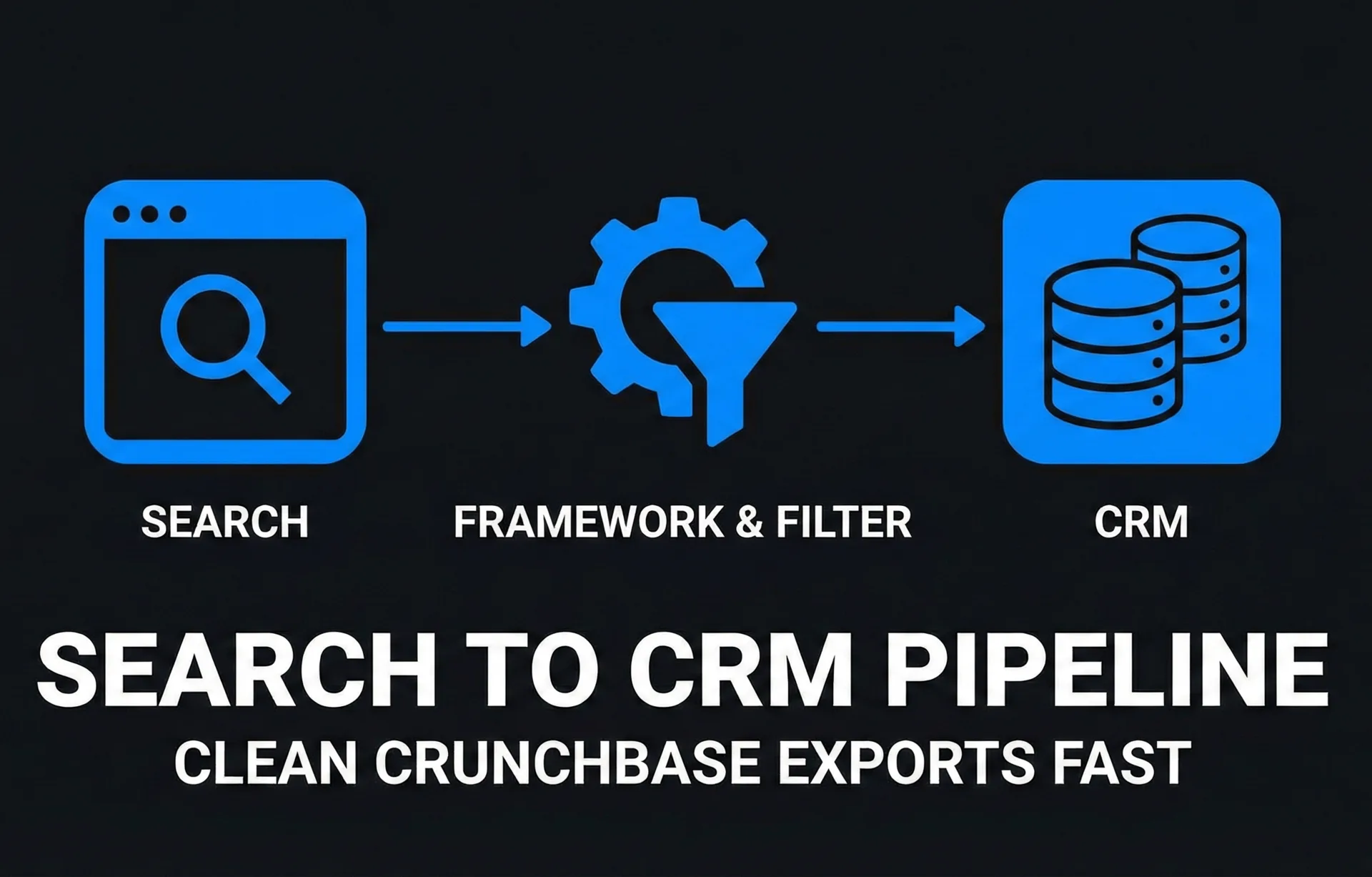
The Crunchbase Export Framework: From Search to CRM
last updated: Apr 28, 2026
You have identified 500–1,000 ideal investors or leads, but they are trapped inside a browser tab. Manually copying data is a low-leverage activity that kills momentum. This workflow operationalizes your search results into a clean, actionable CRM list.
TL;DR
The Crunchbase export framework is a standardized pipeline to query the database, bypass the default 1,000-row export limit via segmentation, and verify contact data before it pollutes your CRM.
How to read this: Use this guide to move data from browser to pipeline without manual data entry.
- Benchmark: Aim for a <3–5% bounce rate on your final import. Anything higher ruins domain reputation.
- Rule: Never upload raw Crunchbase CSVs directly to your CRM.
- Warning: Crunchbase Pro caps exports at 1,000 rows per search. You must segment by date or region to extract larger lists.
How to read this: Use this guide to move data from browser to pipeline without manual data entry.
Glossary
- Search Query: The boolean logic used to filter the 3M+ entities in Crunchbase (e.g., "SaaS" AND "Series A").
- CSV Limit: The hard cap Crunchbase places on manual file downloads, forcing users to break up searches.
- Enrichment: The process of appending valid email addresses to company profiles, often requiring a third-party tool like Apollo or Clay.
- SMTP Verification: A technical check (pinging the mail server) to confirm an email address exists without sending an actual email.
The asset: Export workflow
Follow this 4-step process to move data from the web to your sales pipeline.
1. Search protocol
Most founders search too broadly. To get actionable data, you must filter for recency and relevance. Do not just search "Fintech." Use the Advanced Search feature.
2. Filter hygiene
Crunchbase is full of "zombie" companies. You must exclude them to save export credits and time.
3. Export execution
This is where most people get stuck. If your result has 5,000 companies, the "Export to CSV" button will only give you the top 1,000.
4. Verification gate
Raw data is dirty. Crunchbase emails are often generic (info@) or outdated. Before this data touches your CRM (HubSpot/Salesforce), it must be cleaned.
1. Search protocol
Most founders search too broadly. To get actionable data, you must filter for recency and relevance. Do not just search "Fintech." Use the Advanced Search feature.
- Filter 1: Industry = [Your Target].
- Filter 2: Last Funding Date = Past 90–180 days (This ensures they have money to spend).
- Filter 3: Headquarters Location = [Specific Country/State].
- Tip: Check my account research template to structure your targeting criteria before you log in.
2. Filter hygiene
Crunchbase is full of "zombie" companies. You must exclude them to save export credits and time.
- Step: In the "Operating Status" filter, select "Active."
- Step: Exclude "Closed" or "IPO" if you are targeting early-stage startups.
- Step: If deciding between platforms, review Crunchbase vs PitchBook for pre-seed to ensure you are in the right database.
3. Export execution
This is where most people get stuck. If your result has 5,000 companies, the "Export to CSV" button will only give you the top 1,000.
- The Workaround: Break your search into chunks.
- Chunk A: Funding Date Jan 1 – Mar 31.
- Chunk B: Funding Date Apr 1 – Jun 30.
- Action: Download each chunk as a separate CSV.
- API Option: If you have the Enterprise plan, use the API key to pull data programmatically, but for most early-stage founders, the CSV chunking method is sufficient.
- Reference: See Crunchbase’s official export rules for current limits.
4. Verification gate
Raw data is dirty. Crunchbase emails are often generic (info@) or outdated. Before this data touches your CRM (HubSpot/Salesforce), it must be cleaned.
- Tool: Upload your combined CSV to a verifier like NeverBounce or ZeroBounce.
- Action: Delete any email labeled "Invalid" or "Disposable."
- Math: If you skip this, a 10–15% bounce rate triggers spam filters. If you send 1,000 emails and 100 bounce, your domain health drops significantly.
Benchmarks
Understand the numbers before you start your export. Efficient data operations save money and protect your sender reputation.
Sample math
Here is the cost breakdown for a standard prospecting sprint:
- Bounce Rate Target: < 3–5% (Safe Zone).
- Data Decay Rate: B2B data decays at 22–30% per year. Expect 1/4 of your year-old list to be invalid.
- Export Speed:
- Manual Copy: 15–20 leads per hour.
- CSV Framework: 1,000–2,000 leads per hour.
Sample math
Here is the cost breakdown for a standard prospecting sprint:
- Input: 1,000 raw leads from Crunchbase.
- Verification Cost: $0.003–$0.008 per email (~$5.00 total).
- Invalid/Risky Emails: 30–40% removed (300–400 rows).
- Clean Output: 600–700 ready-to-contact leads.
- ROI: One closed deal ($5k–$10k LTV) pays for 5+ years of this stack.
Manual vs framework
Why move from manual selection to bulk processing?
Risks
Automating your lead generation comes with specific hazards. Ignore these at your own peril.
- Domain Burn: Sending emails to unverified addresses ("Catch-all" or "Invalid") will spike your bounce rate. If this exceeds 5%, Google and Outlook will divert your future emails to spam.
- The "Generic" Trap: Crunchbase often provides info@company.com addresses. These have low open rates. Use enrichment tools to find specific decision-makers (e.g., jane@company.com).
- Platform Bans: If you use unauthorized scraping scripts instead of the official CSV export button, Crunchbase may lock your account for Terms of Service violations.
Conclusion: The revenue reality check
Mastering the Crunchbase export framework is a necessary step, but it is not the whole picture. You can scrape the entire Y Combinator directory and verify every single email with 100% accuracy, yet still make $0. The data is just the fuel; the engine is your offer and your messaging.
You can have perfect execution here, but if your other variables (Offer Strength, Market Timing) are weak, your probability of hitting $10k MRR remains near 0%. This workflow bridges the gap between having a list and having a pipeline, but it does not close deals. Once the data is in your CRM, you need a rigorous cold email strategy to convert those rows into revenue. This is why I built Traction OS. Fix your foundation before you launch.
You can have perfect execution here, but if your other variables (Offer Strength, Market Timing) are weak, your probability of hitting $10k MRR remains near 0%. This workflow bridges the gap between having a list and having a pipeline, but it does not close deals. Once the data is in your CRM, you need a rigorous cold email strategy to convert those rows into revenue. This is why I built Traction OS. Fix your foundation before you launch.
FAQ
- You:Can I export more than 1,000 rows at once?Guide:Not directly through the web interface on the Pro plan. You must use the date-range segmentation method described in Step 3 or upgrade to Enterprise for API access.
- You:Are Crunchbase emails safe to send to?Guide:No, not immediately. Crunchbase aggregates data, meaning many emails are old or guessed. You must run them through a verification tool before sending.
- You:Does Crunchbase notify the company when I export their data?Guide:No. The export process is internal to your account. The companies you view or export are not alerted.
Find where your first 100 customers are in 2 mins. — or browse all the free founder guides.
No-BS guides