Most startups drown in data swamps because they track 50 events when they only need five. Here is the strict schema to define your data structure before you waste engineering cycles on vanity metrics that investors ignore.
TL;DR: A segment tracking plan template is a document that maps every analytics event to a specific business trigger, ensuring clean data.
Benchmark: Early-stage B2B SaaS should focus on a minimal set of core events.
Rule: If an event does not answer a specific question about retention or revenue, delete it.
Warning: Auto-tracking every click creates noisy datasets that require expensive data engineering to clean later.
Core Definitions
Track Call: An action a user takes (e.g., Trial Started). This is the "verb" of your data.
Identify Call: Who the user is (e.g., email, user_id). This updates the "noun" or user profile.
Property: Context attached to an event (e.g., plan_type, mrr_amount).
Trigger: The specific code logic or UI interaction that fires the event.
The Asset: Series A Tracking Schema
Copy this structure into a spreadsheet or database. This acts as the specification for your developers. Do not deviate.
Event Name (Verb + Noun) | Trigger Description (When to fire) | Properties (Context to send) | Identify Traits (User Update) |
|---|---|---|---|
Account Created | Fires immediately after successful form validation on the Sign Up page. | signup_method (Google/Email) | user_id |
Organization Setup | Fires when the user completes the onboarding wizard and names their workspace. | org_name | org_id |
Core Action Performed | Fires when the user successfully uses the primary feature (e.g., "Report Generated"). | latency_ms | last_active_at |
Subscription Started | Fires upon successful Stripe webhook confirmation of payment. | plan_id | stripe_customer_id |
User Invited | Fires when an admin sends an invitation to a team member. | invitee_role | seats_utilized |
Sample rules:
Naming Convention: Object + Action (e.g., Subscription Started, not Start Subscription).
Property Load: Limit the number of properties per event to maintain performance.
JSON Implementation Example
If you are handing this to a developer, this is how the Subscription Started event looks in code:
// The implementation
analytics.track("Subscription Started", {
  plan_id: "pro_monthly_v2",
  mrr_value: 49.00,
  currency: "USD",
  coupon_code: "EARLYBIRD20"
});

// Immediately update the user trait so email tools know they paid
analytics.identify("user_12345", {
  plan_status: "active",
  mrr_total: 49.00
});
The Data Reality Check
Mastering a tracking plan is a necessary step for data hygiene, but it is not the whole picture. Clean data merely allows you to see the hole in the bucket; it does not plug it. If your core offer does not resonate with the market, knowing exactly where users drop off won't save you. You must still prioritize creating helpful content to acquire them in the first place.
Data is useless if you track everything. Without a plan, your analytics become a swamp. This template forces focus on the metrics that actually matter for Series A, similar to how an Option Pool Calculator forces focus on your equity math. Know your core metrics, build the tracking, and get back to talking to customers.
FAQ
How many events should I track initially?
Stick to the critical path. You need to track the signup, the core value moment, and the payment. Anything else is noise until you reach later growth stages.
Should I use Segment or just go direct to GA4?
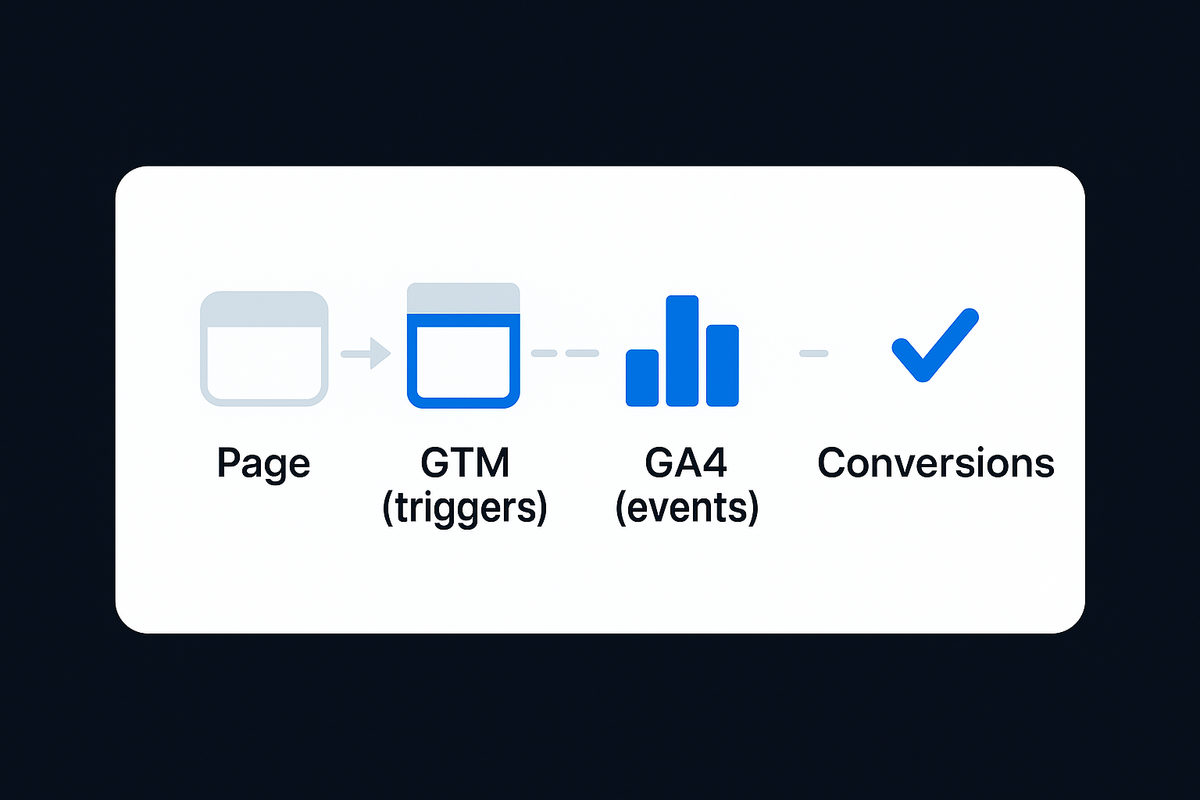
Use a CDP. It allows you to pipe data to multiple destinations like Mixpanel, Intercom, or Google Ads simultaneously. If you want to know how to set up the destination, read my guide on GA4 Tag Manager setup.
What is the difference between track and identify?
Track records an action in time. Identify updates the user's permanent record. If a user upgrades their plan, you track the event "Plan Upgraded" and identify their user profile with plan: premium.