TL;DR: An MVP checklist is a proof filter, not a build menu. Code generation tools make it cheap to produce software that nobody needs. For a B2B pilot, build only what is required to solve one painful problem for a specific buyer. Handle intake, onboarding, and reporting by hand until customers prove they will pay for the outcome.
You can generate dashboards, user role screens, and automated alerts over a single weekend. Code is cheap to write. Verifying that a business buyer actually cares about that code is still hard.
When founders treat an MVP checklist as a build menu, they pack their first sprint with features that look like a finished SaaS platform. Then they launch to silence. The biggest risk for an early-stage B2B startup is no longer moving too slowly. The real risk is building unwanted software at high speed.
Before you write code, establish what an MVP is and is not. An MVP is an experiment designed to verify willingness to pay and test a specific business assumption. It is not a miniature version of a three-year roadmap.
The Three Destinations for Every Feature Idea
Every feature on your backlog belongs in one of three buckets:
Build for the pilot: Software the user must interact with directly to get the core result. If removing the feature stops the buyer from solving their main problem, you must code it.
Deliver manually: Steps your team handles behind the scenes. This includes manual database entries, custom scripts, hand-formatted PDF reports, and direct email updates. Paul Graham called this doing things that don't scale. Running tasks by hand is the fastest way to confirm value before investing in permanent code.
Defer to the roadmap: Capabilities that sound helpful but do not affect the initial result. Common examples include self-serve invite flows, custom company branding, complex billing tiers, and third-party integrations.
If removing an item does not prevent the buyer from getting the outcome they paid for, leave it out of the pilot.
The Five-Gate Checklist for B2B Pilot Features
Run every candidate feature on your MVP features list through these five sequential gates. In most cases, a "no" sends the feature to manual delivery or the post-launch roadmap.
Gate 1: Core Pain. Does this feature directly fix the primary problem the customer is paying to solve? If no, defer to the roadmap.
Gate 2: Manual Feasibility. Is manual execution impossible for your team at pilot volume? If no, deliver manually behind the scenes.
Gate 3: Workflow Blocker. Would omitting this feature completely prevent the customer from completing their core workflow? If no, defer to the roadmap.
Gate 4: Demand Signal. Does building this software generate clear proof that the buyer will pay for the solution? If no, defer to the roadmap.
Gate 5: Quality Bar. Can your software meet an absolute accuracy threshold without requiring extra interface polish? If no, refine the core mechanism or deliver manually.
Pilot Must-Have Definition: A pilot must-have is any software capability that directly produces the buyer's primary business outcome, cannot be handled by hand at pilot volume, and directly tests willingness to pay.
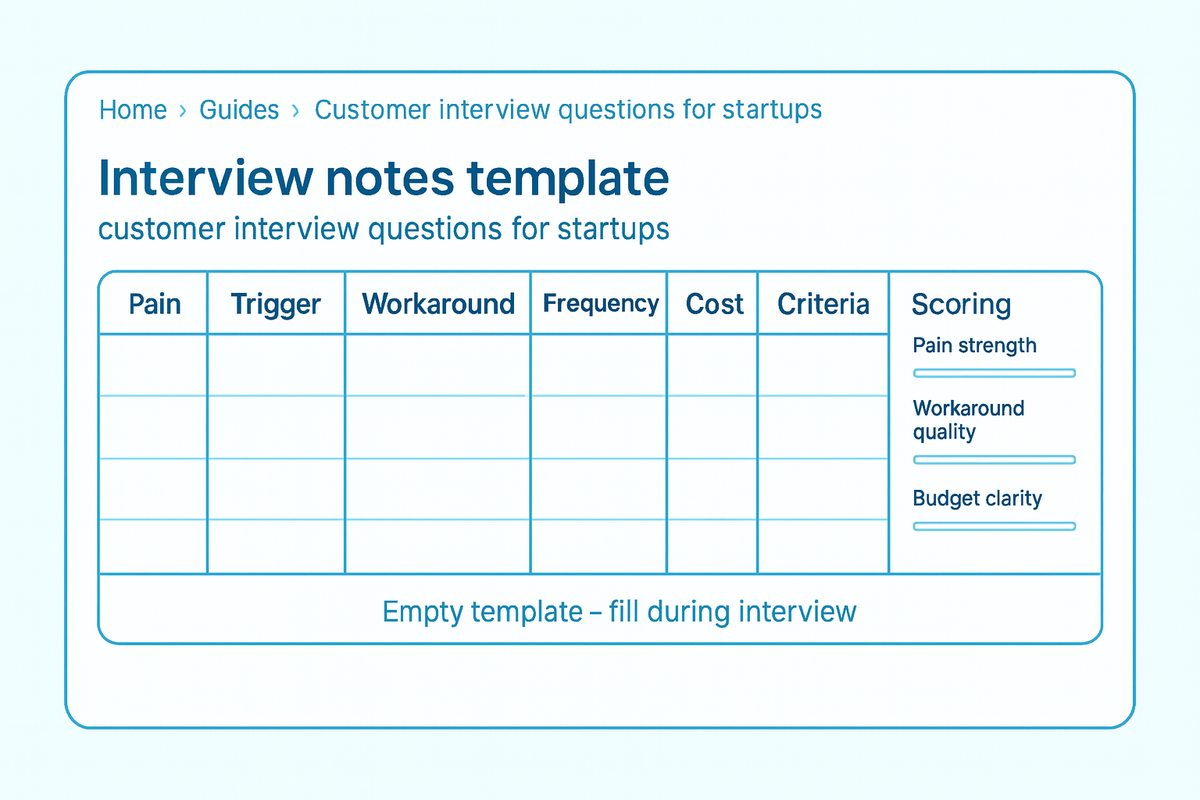
Before you run your backlog through these gates, make sure you have direct customer evidence rather than personal assumptions. If you ask hypothetical questions like "would you like an analytics dashboard?", prospects will say yes even if they would never pay for it. If you need a structured interview method to uncover real workflow friction, use our Customer Discovery Kit to map customer pains before you lock your scope.
Illustrative Scoping Scenario
Every B2B product operates under different constraints. A tool selling to hospital compliance teams might require single sign-on and audit logs on day one. For most early B2B pilots, however, founders can run operational steps manually behind the scenes. Here is how an illustrative feature list moves through the filter:
Candidate Feature | Solves Core Pain? | Handle Manually? | Pilot Destination |
|---|---|---|---|
High-volume document data extraction | Yes | No (hundreds of pages weekly) | Build for pilot |
Weekly discrepancy digest delivery | Yes | Yes (founder reviews and emails PDF) | Deliver manually |
Self-serve workspace user management | No | Yes (founder creates accounts in DB) | Defer to roadmap |
Automated bi-directional CRM sync | No | Yes (customer exports weekly CSV) | Defer to roadmap |
Custom dashboard themes and branding | No | Not applicable | Defer to roadmap |
In this scenario, document extraction must be coded because human typing cannot keep up with pilot volume. Meanwhile, sending the weekly summary by hand lets the founder inspect every output before the client reads it. Delivering output manually is not pretending to have a product. It is confirming that the deliverable produces value before you build permanent automation.
Minimum Viable Product Requirements: What to Cut First
When setting your minimum viable product requirements, cut these four common distractions first:
1. Self-Serve Onboarding
Founders often try to copy the onboarding flows of mature SaaS companies. In an early pilot, automated onboarding hides the exact moments when users get confused. Onboard your initial pilot accounts manually over a video call. High-touch B2B teams often run manual setup calls to understand user habits and workflow friction directly. Watching a customer use your product reveals friction that analytics software often misses.
2. Complex Billing Architecture
Do not spend days writing usage meters, subscription tiers, or webhook handlers. Charge a flat pilot fee. Send a manual PDF invoice or a direct payment link. Your goal is to test whether the customer has the budget and willingness to pay to fix the problem. You can automate invoicing once you have paying accounts to invoice.
3. Broad Horizontal Scope
Building software for multiple industries forces you to support conflicting requirements and disjointed terminology. Focusing on a specific vertical or narrow use case is usually far more effective. A tool built specifically for commercial roofing contractors or freight brokers lets you speak the buyer's exact language. That focus eliminates dozens of edge cases from your pilot build.
4. Premature Integrations
Enterprise prospects often claim they need immediate integration with Salesforce, HubSpot, or their ERP before they can test anything. In many cases, a simple CSV file upload is enough to run the pilot. If the underlying pain is acute, the team will export a spreadsheet to get the outcome.
Follow Y Combinator's advice on planning an MVP: strip your initial scope down until you feel slightly uncomfortable with how simple the software looks.
Setting Quality Bars Without an A/B Baseline
Early B2B pilots rarely have enough traffic for statistical testing. When you have five pilot accounts, running split tests is impossible.
Instead of chasing statistical baselines, lean on Steve Blank's customer development principles: track observed buyer actions instead of polite opinions. Did the customer upload their data on schedule? Did the team act on the weekly output? Did the buyer approve the renewal invoice?
Set an absolute quality bar before you start your pilot. If your software extracts renewal dates from contracts, decide the exact accuracy rate the buyer needs to trust the output. Meet that threshold on the core outcome and ignore cosmetic polish.
Once you have locked your scope and quality bar, follow the steps in how to build a B2B minimum viable product to prepare your launch.
When to Graduate from Manual Work to Automation
Founders often ask when they should stop running tasks by hand and start writing automated code. Treat manual work as the default until you hit two specific triggers:
Operational capacity limits: The manual workflow takes so much founder time that you cannot support your existing paying accounts.
Critical workflow friction: The manual delivery method directly prevents paying users from receiving the outcome they bought.
When a customer complains about a manual step, treat that complaint as a signal to investigate, not an automatic mandate to build new features. Ask why the step causes friction. If having to email a spreadsheet every Friday threatens their ongoing usage, automate the intake. If it is merely a minor inconvenience, keep handling it manually.
A handful of paying customers who rely on a manual weekly report prove far more demand than dozens of free accounts praising an automated dashboard.
FAQ
If modern AI tools make coding cheap, why not ship a fuller MVP?
Faster code generation makes it easier to build software nobody wants. Adding extra features clutters the product interface and obscures what the buyer actually values. Keeping the pilot tight lets you isolate the single reason a customer pays.
How do you separate an acceptable manual workaround from a bad customer experience?
A manual workaround is acceptable as long as the customer receives the promised business result reliably and on time. If a founder manually audits data and sends a summary report every Monday morning, the client gets full value. A workaround becomes unacceptable when manual delays cause data errors, create security risks, or prevent the buyer from doing their daily job.
What should you do when a pilot user complains about a missing feature?
Treat complaints as evidence of real engagement. Customers only complain about missing capabilities when they actively care about the workflow. Investigate whether the missing item prevents them from completing their work today. If they can still reach the primary outcome, record the request on your post-launch roadmap.
Does a B2B MVP always need to focus on a single vertical?
Narrow vertical focus is not a universal rule, but it dramatically speeds up early learning. Focusing on one industry lets you use domain terminology and address specific workflow quirks without building complex configuration settings.
Can you charge money for an MVP that relies on manual founder effort?
Yes. Business buyers pay for business results, not software architecture. If your manual analysis saves a company ten hours a week or catches costly accounting errors, the buyer receives the full value promised regardless of how much code runs behind the scenes.