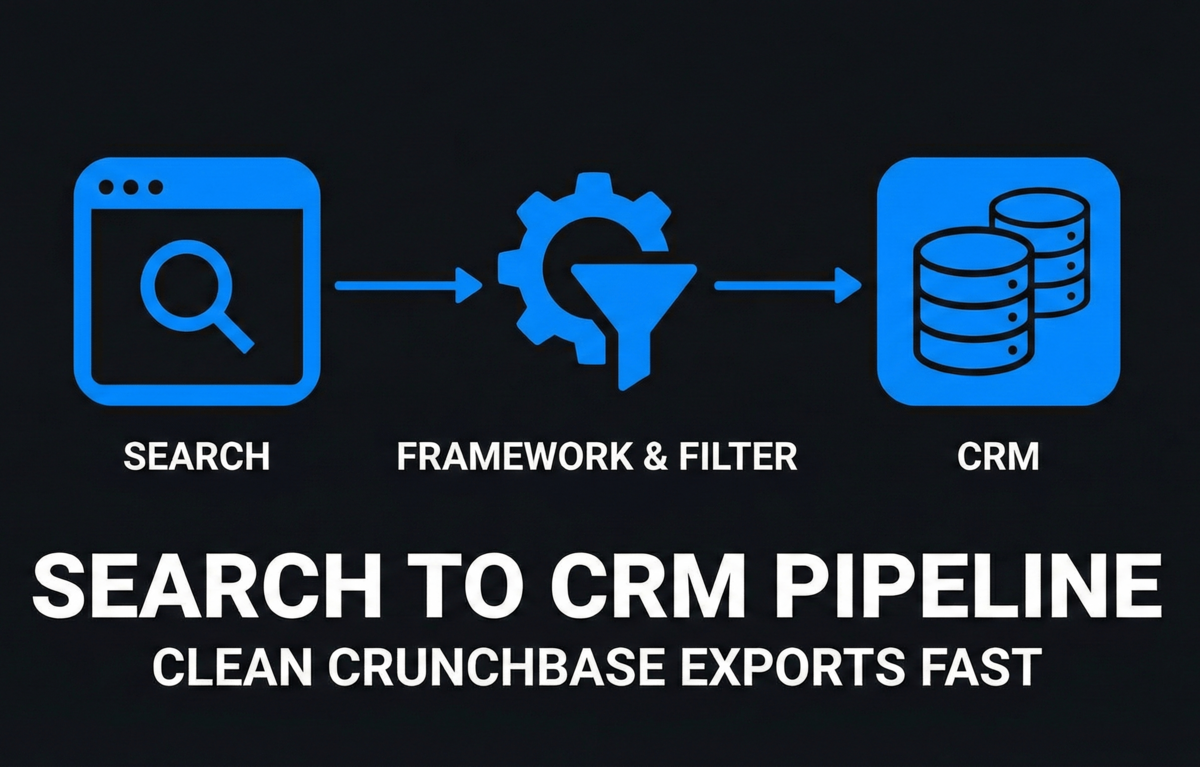
A Crunchbase export is not a prospecting list yet. It is a raw dataset that still needs deduping, qualification, buyer mapping, and disqualification before a founder spends time writing cold emails. This guide focuses on the cleanup step between a broader Crunchbase export workflow and actual outbound execution.
TL;DR: Turn the export into an outreach-ready list
Clean your Crunchbase export by removing duplicates, checking whether each company still fits your target account profile, finding the likely buyer, and adding handoff fields your CRM or email process can use.
A large export creates false confidence unless you remove companies that are irrelevant, stale, duplicate, too small, too large, or missing a plausible buyer.
The cleanup pass should happen before copywriting, personalization, enrichment, or CRM import.
Funding status, industry tags, or headcount alone are not enough evidence that the company has the problem you solve.
Use this as a pre-outreach hygiene pass, not a full replacement for list strategy, CRM setup, or cold email writing.
The cleanup process
Use this cleanup process after you export companies and before you push anything into a CRM or start writing emails. If you are still building the initial search, start with a sharper Crunchbase lead list building process and more precise Crunchbase advanced search filters.
A raw export is the untouched CSV or spreadsheet. A qualified lead row is a company record that has passed fit checks and includes enough context to support a relevant first-touch message. A disqualification rule is the short reason a record should be removed, paused, or researched before outreach.
Step 1: Freeze the raw export
Keep one untouched tab or file called raw_export. Create a working copy with these baseline columns:
Field | Why it matters |
|---|---|
Company name | Primary account identifier |
Website domain | Useful dedupe key for many B2B lists |
Crunchbase URL | Source traceability |
Segment fit | Quick pass/fail against ICP |
Trigger relevance | Why now might be a reasonable time to reach out |
Buyer role | Who likely owns the pain |
Use domain as the main account key when possible. Company names can vary through punctuation, subsidiaries, abbreviations, and rebrands. Salesforce has public help documentation for duplicate management, which is a useful reminder to think about duplicate accounts before importing records into a CRM.
Step 2: Dedupe before you qualify
Remove duplicate company records before making judgment calls. Otherwise, the same account can appear multiple times because of different locations, old names, subsidiaries, or slightly different company spellings.
Normalize domains by removing protocol text, www prefixes, trailing slashes, and tracking paths.
Sort by domain, then company name.
Merge duplicate account rows into one account record.
Preserve the strongest source notes, such as funding event, category, geography, and original filter.
Mark confusing duplicates for manual review instead of deleting them blindly.
Practical rule: if two rows share the same root domain, treat them as the same account unless there is a clear legal or business reason not to.
Step 3: Run firmographic fit checks
Firmographics are not proof of pain, but they are useful exclusion filters. Use them to remove accounts that clearly do not belong in the current campaign.
Check | Keep when | Remove or pause when |
|---|---|---|
Geography | Sales motion can serve the region | Compliance, timezone, or support makes it unrealistic |
Company size | Fits your current product and buying motion | Too small to pay or too large to sell without enterprise process |
Industry | Has plausible workflow or budget match | Category tag is broad but the real business is unrelated |
Business model | Buyer and use case are clear | Consumer, services, marketplace, or agency model does not fit |
Stage | Timing supports your offer | Funding or maturity does not change urgency |
Do not overfit this step. The goal is not to prove every account will buy. The goal is to remove obvious mismatches before they consume research and email-writing time.
Step 4: Check funding or event relevance
Crunchbase exports may include funding, acquisition, hiring, launch, or company-growth signals. These can help prioritize outreach, but only when the event connects to the pain you solve.
A funding event may create budget, hiring, or operational change, but it does not automatically create demand. Use a simple relevance test:
What changed at the company?
Which team is likely affected by that change?
Does that team own a problem your product addresses?
Can you write a first sentence that connects the event to a practical business issue without sounding forced?
If the answer is no, mark the trigger as weak. Keep the account only if the underlying ICP fit is strong. If your export is old, spot-check important accounts because company details, funding, leadership, and status can change after the export.
Step 5: Map the likely buyer
A usable lead row needs a buyer hypothesis, not just a company name. The buyer hypothesis tells you who should receive the message and what problem the message should reference.
If the pain is about... | Start with this buyer hypothesis |
|---|---|
Revenue growth, pipeline, sales process | Founder, Head of Sales, VP Sales, Revenue leader |
Marketing acquisition or conversion | Founder, Head of Marketing, Growth lead |
Product workflow, activation, retention | Founder, Product lead, Operations lead |
Finance, spend, reporting, planning | Founder, Finance lead, Operations lead |
Recruiting, onboarding, people ops | Founder, People lead, Talent lead |
For early-stage startups, the founder may still own several of these jobs. For later-stage companies, start with the function leader and use the founder only when the problem is strategic enough to justify it.
If you cannot name a plausible buyer role, do not push the company into outreach yet. Put it in a research queue or remove it.
Step 6: Add disqualification rules
A disqualification rule protects founder time. It also keeps the campaign honest by making it clear why a record is not ready.
Duplicate account
Wrong geography
Wrong company size
Wrong industry or business model
No obvious buyer
Weak or irrelevant trigger
Existing customer, investor, partner, or active conversation
Competitor or company you should not contact
Bad domain or unclear company identity
Not enough context to personalize responsibly
Keep the rule short and consistent. You are building a usable operating system, not a commentary column.
Step 7: Create CRM-ready handoff fields
Before moving Crunchbase leads to CRM, add the fields that make routing and follow-up easier.
Account name
Website domain
Crunchbase URL
Source export date
Original filter or search name
ICP status: keep, pause, remove, research
Disqualification reason
Buyer role
Trigger note
Outreach angle
Owner
Next action
CRM import status
If your team is small, do not over-engineer this. A clean spreadsheet with consistent fields is usually better than a messy CRM import that creates duplicate accounts and vague tasks.
Step 8: Use a small before/after cleanup example
Before cleanup:
Company | Problem |
|---|---|
Acme AI Inc. | Duplicate of acme.ai row |
Acme AI | Same company, cleaner domain |
Northstar Retail | Wrong segment for this campaign |
LedgerOps | Strong fit but no buyer mapped |
FinchCloud | Good fit with recent hiring trigger |
After cleanup:
Company | Status | Next action |
|---|---|---|
Acme AI | Keep | Merge duplicate notes, map buyer |
LedgerOps | Research | Find likely finance or ops owner |
FinchCloud | Ready | Draft founder-led first touch |
Northstar Retail | Remove | Wrong campaign segment |
This is a hypothetical example, not a claimed benchmark. The point is the shape of the cleanup decision: reduce the list, preserve the best context, and make the next action obvious.
Step 9: Run the final outreach-readiness check
Before a record becomes part of a campaign, every kept account should answer five questions:
Why is this company in the list?
Why might now be a reasonable time to contact them?
Who likely owns the problem?
What should the first message reference?
What would make this company a bad fit?
If you cannot answer those questions in one or two lines, the account is not outreach-ready. Use your Crunchbase export leads questions as a final review prompt before writing copy.
Common mistakes to avoid
Importing the whole export into the CRM before deduping.
Treating category tags as proof that the company has the pain.
Using funding events as generic personalization instead of connecting them to a real operational change.
Keeping accounts with no buyer hypothesis.
Creating too many custom fields before the team has a repeatable workflow.
Starting email copy before list quality is good enough.
Once the list is clean, move into message strategy. Use a founder sales email for high-context early conversations and a more structured B2B startup cold email motion when the segment, buyer, and pain are consistent enough to repeat.
Volume alone is a weak quality signal. Google Search Central's guidance on creating helpful, reliable, people-first content is written for search content, but the same operating principle applies here: optimize the list for the person receiving the message, not for the biggest possible spreadsheet.
Hypothetical cleanup math: if you export 500 companies, remove 80 duplicates, disqualify 140 clear mismatches, and send 90 to research, you may only have 190 outreach-ready accounts. That smaller number is not a failure; it is the usable list you can actually write relevant messages for.
Will Crunchbase export leads actually get you to first customers?
Crunchbase export leads can help you find possible accounts, but the export itself does not create traction. Founders often confuse list size with channel quality. A 1,000-row CSV can feel productive until every row needs manual repair, unclear buyer research, or a generic email that gets ignored.
The cleanup step matters because it converts raw market surface area into a practical outreach queue. You are deciding which accounts deserve founder attention, which should be researched later, and which should never enter the campaign. That work improves outreach quality before you spend time on copy, sequencing, or CRM hygiene.
The mistake to avoid is using cleanup as a way to delay selling. Clean enough to protect your time, then start real conversations. A qualified list is only useful when it leads to sharper messages, better founder learning, and faster decisions about which channels are worth repeating.
FAQ
Should I clean Crunchbase leads before or after enrichment?
Clean obvious duplicates and disqualifications before enrichment. Enrichment costs time and sometimes money, so it should be reserved for accounts that have at least basic ICP fit, a plausible buyer, and a clear reason to be in the campaign.
How many leads should I keep from a Crunchbase export?
There is no universal percentage. The right number depends on your filters, market, ACV, and sales motion. A better rule is this: keep only the accounts where you can explain fit, timing, buyer, and first-message angle without inventing a story.
Should all cleaned Crunchbase leads go into my CRM?
No. Only import records that have a next action or a clear owner. Keep weak-fit, research-needed, and uncertain accounts in a separate working sheet until they are ready. This avoids filling your CRM with vague accounts that create duplicate work later.
Is a funding event enough reason to send cold email?
Not by itself. Funding can be a useful trigger when it connects to a specific operational change, such as hiring, expanding sales, launching a new team, or buying infrastructure. If the event does not connect to your buyer's likely problem, it is weak personalization.